Development Changelog
See what's new in MonkeyBar
Track all the features and improvements we've shippedNovember 22, 2025
Version 7 - KeyMaster
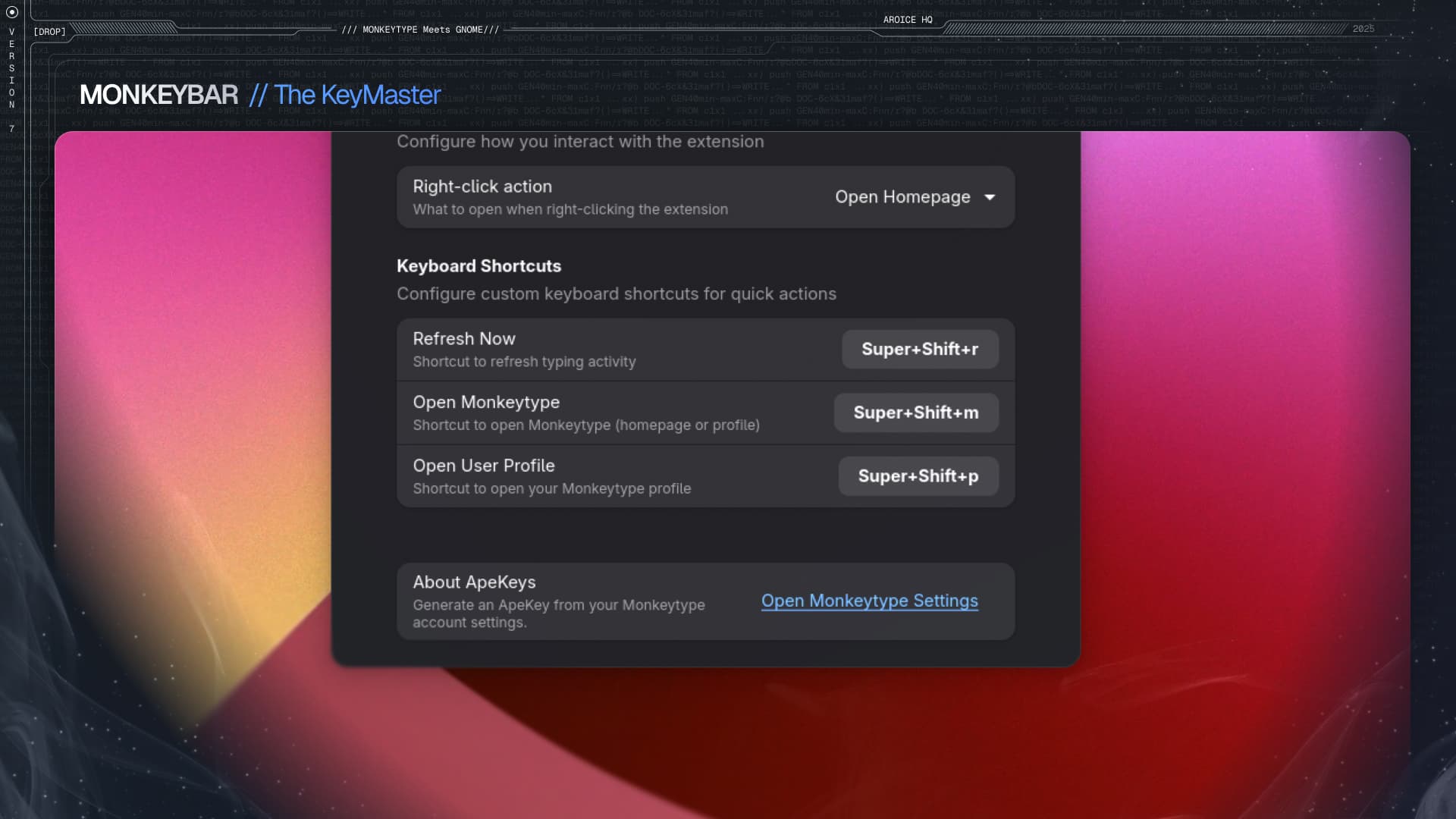
Keyboard Shortcuts
Take control with system-wide hotkeys- Refresh Now (Super+Shift+R) - Instantly refresh your typing activity data
- Open Monkeytype (Super+Shift+M) - Quick access to Monkeytype homepage or profile
- Open User Profile (Super+Shift+P) - Direct link to your Monkeytype profile
- Fully customizable in Settings → Keyboard Shortcuts
- System-wide hotkey support in GNOME Shell
November 19, 2025
Version 5 - Customization Update
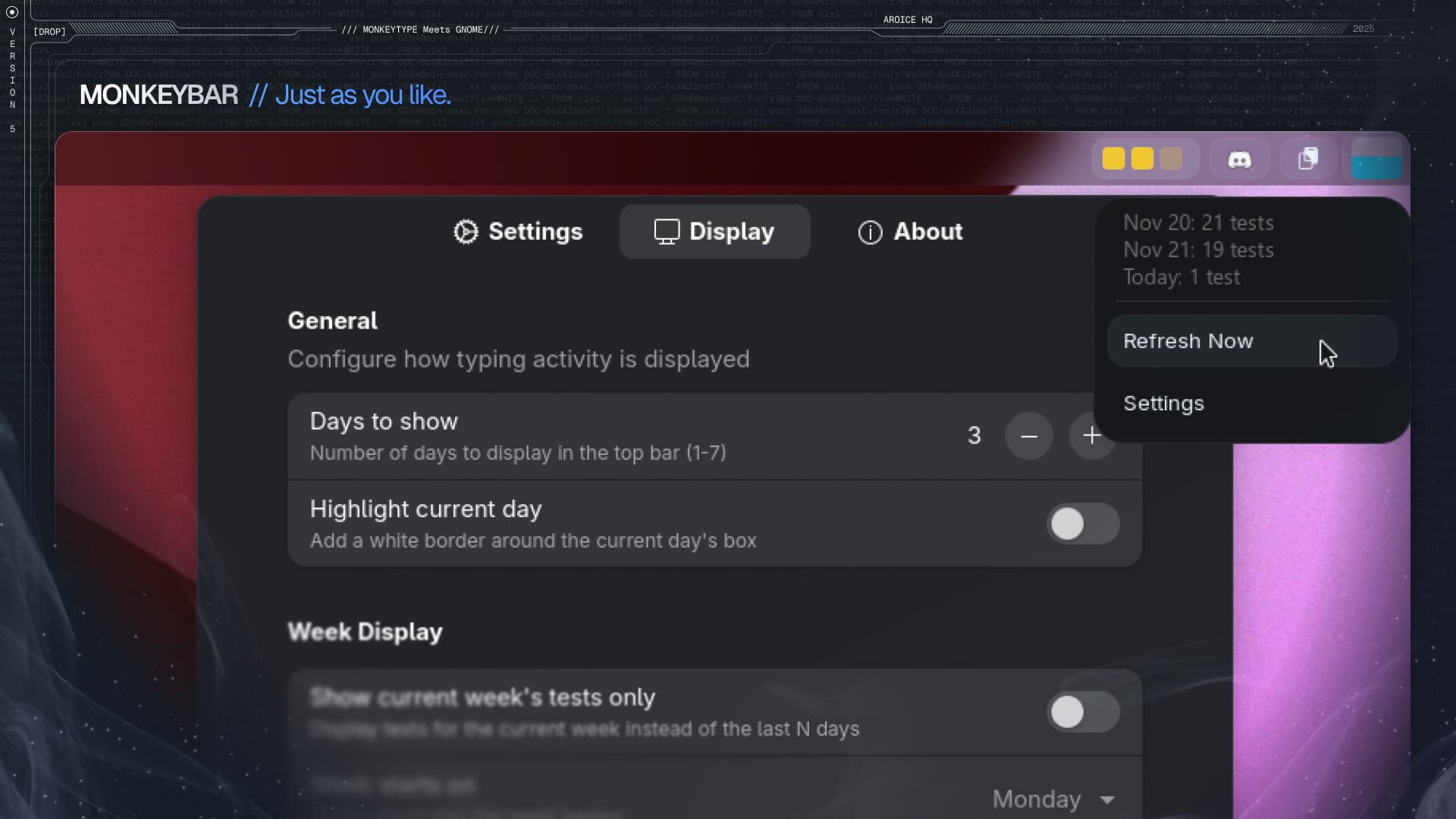
Display Customization
Flexible display options to suit your needs- Configure days to display (1-7 days)
- Current week view option
- Configurable right-click action
- Improved theme system with better color handling
November 17, 2025
Version 4 - Themes & Features
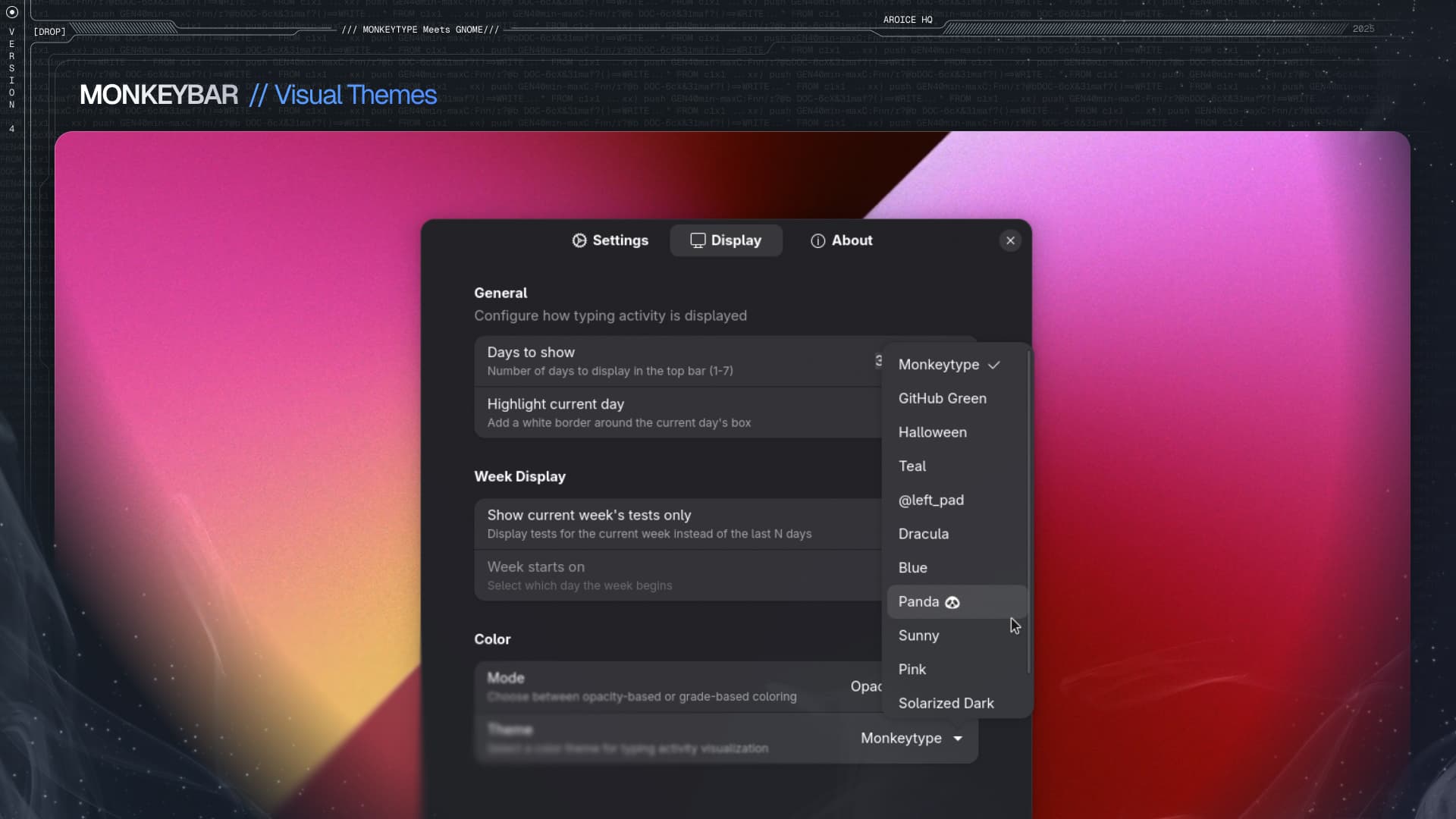
12 Beautiful Themes
Choose from a variety of color schemes- Monkeytype Yellow (Default)
- GitHub Green
- Dracula
- Halloween
- Panda 🐼
- Sunny
- Blue
- Pink
- Teal
- Solarized Light
- Solarized Dark
- @left_pad
Advanced Features
Powerful customization options- Dual color modes (opacity-based or grade-based)
- Panel positioning (left, center, right)
- Auto-refresh with configurable intervals
- Week start day customization (Sunday/Monday)
- Current day highlighting
November 15, 2025
Version 3 - Configuration

Settings Interface
Complete control over your extension- Comprehensive settings page
- ApeKey management and credentials
- Manual refresh option
- Theme selection interface
November 12, 2025
Version 2 - Interactions
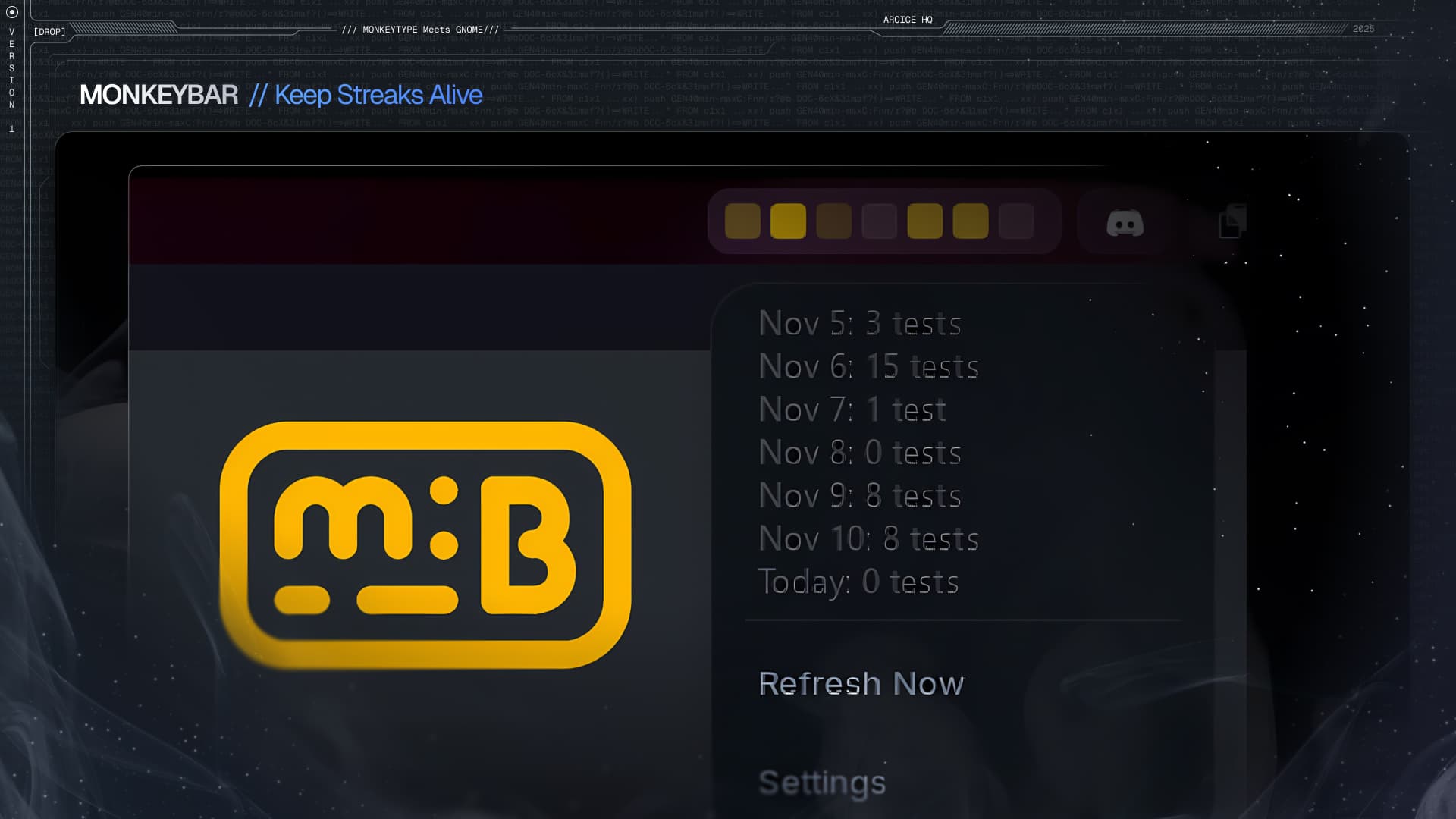
Interactive Features
Quick access to Monkeytype- Interactive popup with daily test counts
- Right-click menu actions
- Quick access to Monkeytype homepage
- Direct link to user profile
November 10, 2025
Version 1 - Initial Release
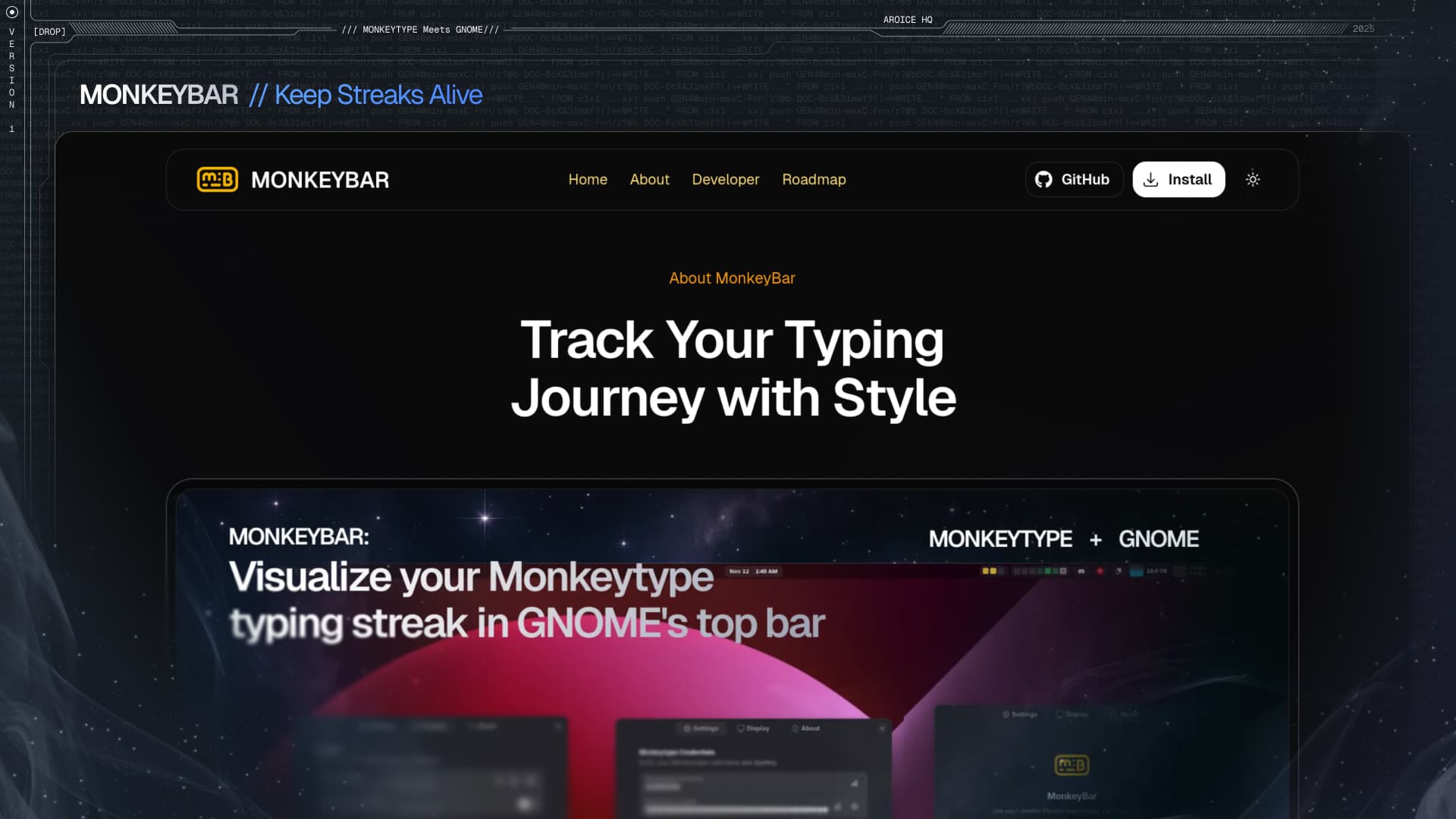
Core Features
Essential functionality for tracking your typing activity- Basic activity tracking display in top bar
- Monkeytype yellow theme
- API integration with Monkeytype
- GNOME Shell 46+ support
- Colorful boxes representing daily test counts
Foundation
Built with privacy and simplicity in mind- Privacy-first architecture
- Local data storage
- Direct API communication with Monkeytype
- Minimal, elegant interface